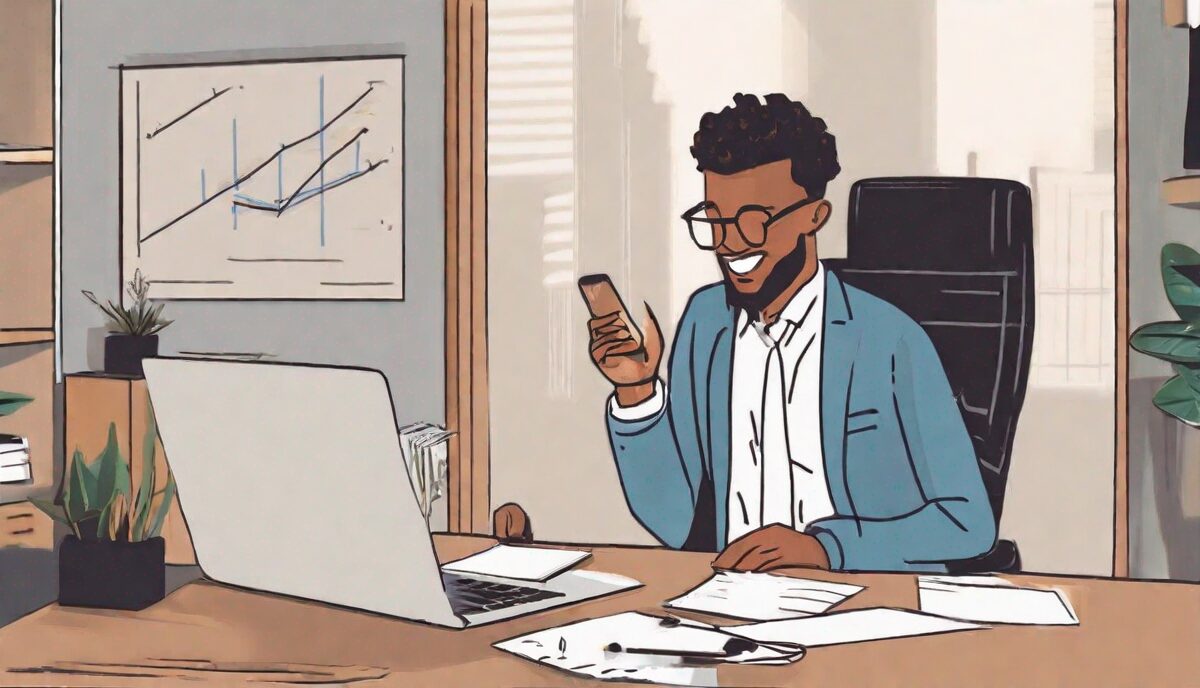
Be Prepared and Positive
Remote job interviews can seem daunting, but with some preparation and a positive attitude, you can ace it. Focus on presenting your best self, not optimization metrics.
Choose an Appropriate Interview Space
Make sure your background is professional and free from distractions. Position your camera at eye level and test your internet connection in advance.
Research the Company and Role
Understand the company culture and objectives for the role. This will help you thoughtfully answer interview questions.
Practice Responding to Common Questions
Prepare stories that convey relevant skills and experience. Reflect on how you can positively contribute.
Send a Follow Up and Thank You
Reiterate your interest and fit for the position. Thank the interviewer for their time and consideration.
Advanced Technical Infrastructure and Fail-Safe Protocols
While basic connectivity is a prerequisite, acing a remote interview requires a level of technical redundancy that signals professional reliability. Beyond simply checking your Wi-Fi, consider the “Triple-Threat” setup: audio, visual, and stability. For audio, internal laptop microphones often pick up ambient fan noise or keyboard clicks. Investing in a dedicated cardioid microphone or a high-quality headset with a noise-canceling boom can significantly improve the clarity of your voice, ensuring that your nuances aren’t lost in digital compression. If you are in a noisy environment, software-based AI noise suppressors can act as a secondary filter, stripping away barking dogs or distant sirens in real-time.
Stability is the most common point of failure. A professional candidate should have a “hotspot protocol” ready. This means having your smartphone tethering settings open and your laptop already paired to the device before the call starts. If the home fiber connection drops, you should be able to switch to cellular data in under ten seconds. Furthermore, consider the hardware itself. If your laptop has a habit of overheating during video calls, use a cooling pad or elevate the chassis to allow airflow. Edge cases, such as a sudden Windows or macOS update prompt, can be mitigated by manually checking for updates two hours before the call and then disabling notifications or “Do Not Disturb” modes to prevent pop-ups from distracting you or—worse—appearing during a screen share.
Lighting is often overlooked but dictates how trustworthy and energetic you appear. Avoid the “witness protection” look caused by strong backlighting from a window. Ideally, use a three-point lighting setup: a key light (main source) slightly to one side of your face, a fill light (softer) on the other side to eliminate shadows, and a subtle back light to separate you from the background. If you don’t have professional lights, two desk lamps with neutral white bulbs placed behind your monitor can mimic this effect. The goal is to eliminate shadows under the eyes, which can make you look tired or unprepared, and to ensure your expressions are crisp and readable.
Mastering the Nuances of Virtual Non-Verbal Communication
In a physical room, you have the benefit of full-body language and shared physical energy. In a remote setting, you are confined to a small rectangular box, meaning your facial expressions and upper-body gestures must do more heavy lifting. To project confidence, practice the “Virtual Lean.” Sitting too far back can make you seem detached or passive, while being too close can be intrusive. Position yourself so your head and the top of your shoulders are visible, with a small amount of space above your head. This framing allows you to use hand gestures naturally within the frame, which helps emphasize points and makes you appear more dynamic.
Active listening requires a digital upgrade. Because of the slight latency inherent in video conferencing, verbal affirmations like “Mhm” or “I see” can actually interrupt the speaker’s audio stream or cause the software to switch the primary video focus to you. Instead, use exaggerated visual cues: slow, deliberate nodding, maintaining a slight smile, and using “the pause.” The pause is a two-second window you give yourself after the interviewer finishes speaking. This prevents accidental over-talking and demonstrates that you are processing the information rather than just waiting for your turn to speak. It also accounts for any internet lag that might be delaying their audio.
Eye contact in a remote interview is a technical illusion. If you look at the interviewer’s eyes on your screen, you will appear to be looking down from their perspective. To truly “connect,” you must train yourself to speak directly into the camera lens. A helpful trick is to place a small sticker or a picture of a person’s face right next to the camera hole. This provides a focal point that feels more human. When the interviewer is speaking, it is acceptable to look at the screen to gauge their reactions, but whenever you are delivering an answer, your gaze should return to the lens to build rapport with the person on the other end.
Proving Your Competency in Remote Workflow Management
Interviewers for remote roles aren’t just looking for job-specific skills; they are looking for “remote fluency.” This involves demonstrating that you can manage your time, tasks, and communication without a manager looking over your shoulder. When answering behavioral questions, weave in specific mentions of the tools and methodologies you use to stay organized. For instance, instead of saying “I am a good communicator,” say “I thrive in asynchronous environments by providing detailed status updates in Slack and using Loom videos to walk teammates through complex documentation, which reduces the need for unnecessary meetings.”
Highlight your proficiency with the “Remote Stack.” If the company uses Jira, Trello, Asana, or Notion, discuss how you integrate these into your daily routine. Mentioning your “Deep Work” habits—such as blocking out four hours on your calendar for high-concentration tasks—shows that you understand the challenges of remote distractions and have developed systems to overcome them. You should also be prepared to discuss how you handle the lack of physical oversight. Explain your process for self-starting: how you prioritize your backlog every morning and how you proactively reach out for clarification when a project’s scope is ambiguous. This proactive stance alleviates a major fear for remote managers: the “invisible employee” who goes quiet when they hit a roadblock.
Another critical aspect of remote competency is digital etiquette and security. Mentioning your habit of using a VPN or your familiarity with multi-factor authentication (MFA) shows you are a low-risk hire from an IT perspective. Discussing your philosophy on “Slack hygiene”—such as using threads to keep channels clean or setting clear “Away” statuses to manage expectations—proves that you are a considerate teammate who understands the nuances of digital collaboration. These small details signal that you won’t need a steep learning curve to integrate into their existing virtual culture.
The Mechanics of High-Impact Screen Sharing and Live Demos
Many remote interviews, especially for technical, creative, or managerial roles, involve a screen-sharing component. This is a high-stakes moment where many candidates stumble. To prepare, create a dedicated “Interview User Profile” on your computer. This ensures that your desktop is clean, your wallpaper is professional, and no personal files or embarrassing bookmarks are visible. Turn off all notifications—not just “Do Not Disturb,” but fully quitting apps like WhatsApp, Discord, or personal email clients—to prevent private messages from appearing in the middle of your presentation.
When you share your screen, narrate the process. Say, “I’m going to share my screen now to show you the project architecture,” and then confirm that they can see it before you start talking. Use a high-contrast cursor or a mouse highlighter tool if you are navigating complex data or code; it is very easy for interviewers to lose track of a small white arrow on a high-resolution screen. If you are presenting a slide deck or a portfolio, have the files open and pre-loaded in your browser or application. Waiting for a heavy website to load during an interview creates awkward dead air that can sap the momentum of your presentation.
Be prepared for the “Live Demo Curse.” If you are showing a live product or a piece of code and it fails, do not panic. This is actually a hidden opportunity to demonstrate your troubleshooting skills under pressure. Stay calm and narrate your thought process: “It looks like the API call is returning a 404; I suspect the staging environment might be undergoing a refresh. Let me try this alternative route.” Most interviewers are more impressed by a candidate who can gracefully handle a technical glitch than one whose demo goes perfectly but who lacks resilience when things go wrong. Have a backup in the form of pre-recorded videos or static screenshots of the demo just in case the live version fails entirely.
Evaluating Remote Organizational Health Through Strategic Inquiry
The interview is as much for you to vet the company as it is for them to vet you, and remote work has unique pitfalls that can lead to burnout or isolation. You must ask pointed questions about their remote infrastructure. Instead of asking “Do you have a good culture?”, ask “How does the company facilitate spontaneous interaction and ‘watercooler’ moments in a virtual environment?” This reveals whether they have a deliberate strategy for social cohesion or if they just expect it to happen by accident. If the answer is vague, it may indicate a fragmented or lonely work environment.
Inquire about their onboarding process for remote hires. A company that says, “We’ll just send you a laptop and you can start,” is a red flag. Look for companies that have a structured 30-60-90 day plan, dedicated “onboarding buddies,” and a centralized knowledge base (like a Wiki or Notion) where processes are documented. Ask, “What is the ratio of synchronous to asynchronous work on this team?” and “How are decisions documented so that people in different time zones can stay informed?” These questions show you are a sophisticated remote worker who values documentation and efficiency over constant meetings.
Furthermore, ask about boundaries and burnout. A common issue in remote work is the “always-on” culture. Ask the interviewer, “What are the expectations for responding to messages after core business hours?” or “How does the team signal that they are taking time off or need uninterrupted focus time?” Their response will tell you if they respect work-life balance or if they expect you to be tethered to your laptop 24/7. A healthy remote organization will have clear policies on communication windows and will encourage employees to disconnect.
Navigating Asynchronous Challenges and Time Zone Boundaries
Working for a remote company often means collaborating across multiple time zones, which introduces a layer of logistical complexity. During the interview, you should proactively address how you manage these gaps. If you are in London and the team is in San Francisco, there is an eight-hour difference. Discuss your strategy for “hand-offs.” Explain how you leave detailed notes or video walkthroughs for your colleagues so they can pick up where you left off while you are asleep. This demonstrates that you are a “multiplier” who makes the team more efficient regardless of the clock.
Be clear about your “core hours.” While remote work offers flexibility, most teams have a 3-4 hour window where everyone is expected to be online for meetings. Confirm these hours during the interview to ensure they align with your lifestyle. If you have personal commitments, such as school runs or caregiving, it is often better to discuss these boundaries early. Frame it as a matter of reliability: “I am fully available from 9 AM to 3 PM and then again from 5 PM to 8 PM. This allows me to be present for the team’s core hours while managing my personal responsibilities effectively.”
Additionally, discuss your philosophy on “over-communication.” In a remote setting, the lack of physical context means that things can easily be misinterpreted. Explain that you prefer to over-communicate project statuses, potential delays, and even your own emotional state (e.g., “I’m feeling a bit overwhelmed by this deadline, I might need an extra hand”). This transparency is the bedrock of trust in a distributed team. By showing that you understand the risks of isolation and silence, you position yourself as a low-maintenance, high-trust candidate who won’t require constant check-ins to stay on track.
Post-Interview Decompression and Continuous Improvement Loops
The period immediately following a remote interview is a critical window for self-improvement. Unlike in-person interviews where the experience can feel like a blur, remote interviews often leave you with a different kind of “Zoom fatigue.” Instead of immediately jumping back into your inbox or another task, take fifteen minutes for a “Post-Call Audit.” Write down every question that stumped you or every answer where you felt your explanation was clunky. Because you are already at your computer, you can immediately research better ways to phrase those answers or look up technical details you might have missed.
If you have permission to record the interview (and check local laws/company policies before doing so), watching yourself back can be a transformative, if uncomfortable, experience. You might notice that you say “um” too often, that your lighting makes you look washed out, or that you aren’t looking at the camera as much as you thought. Use this footage to adjust your setup. If you can’t record the interview, try recording yourself answering the same questions afterward. This helps solidify the neural pathways for your best responses, making them more natural for the next round or a future interview with a different company.
Finally, manage the psychological transition. Remote interviewing can feel repetitive and isolating, especially if you are doing multiple rounds from the same chair in the same room. Create a physical ritual to signal the end of the “interview mode.” This could be as simple as closing your laptop and going for a walk, changing your shirt, or moving to a different room. This helps prevent the stress of the interview from bleeding into your personal space, which is a vital skill for long-term remote work success. By treating the post-interview phase as a structured learning opportunity, you ensure that even a “no” from a company contributes to your eventual “yes” elsewhere.
FAQ
What should you wear for a remote interview?
Wear professional attire in solid colors that looks presentable on camera. Minimize distracting accessories and patterns.
How do you make eye contact during a video interview?
Look directly at the camera when speaking to mimic natural eye contact. Occasionally glance at the interviewer’s image on screen.
What types of questions are asked in remote interviews?
Expect open-ended questions about your experience, knowledge, skills, work style and motivations related to the role.
Should you follow up after a remote interview?
Yes, always send a thank you email within 24 hours restating your interest, qualifications and appreciation.
What if there are technical difficulties during the video interview?
Troubleshoot basic issues like audio/video disconnects or glitches. Stay poised and ask if you should call back in. Focus on the conversation.
Related posts:
 How to Create the Perfect Backyard Movie Night Experience
 The Future of Remote Work: Trends and Predictions for 2021
 Strength Spotting Interviews
 Remote Work Mastery: Tips for Home Productivity
 Feeling Lonely While Working from Home? You’re Not Alone
 Amazon’s New Meditation Podcast
 Audio Workout Apps Taking Over the Gym Scene
 Simple Ways to Reduce Your Screen Time